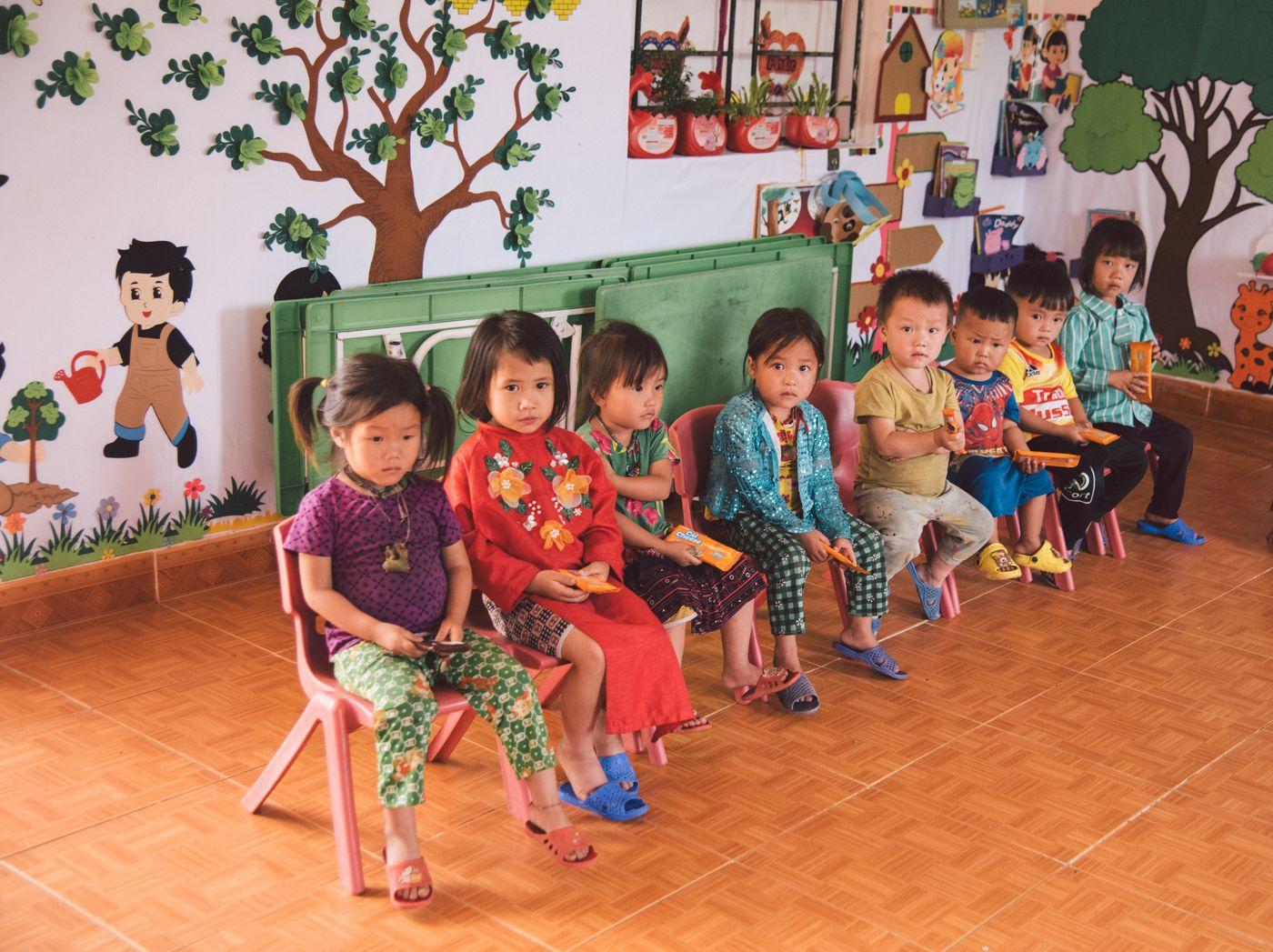
Every little moment, shared.
Your child's kindergarten day, on your phone, in Sinhala, Tamil or English.
Little moments, all day long
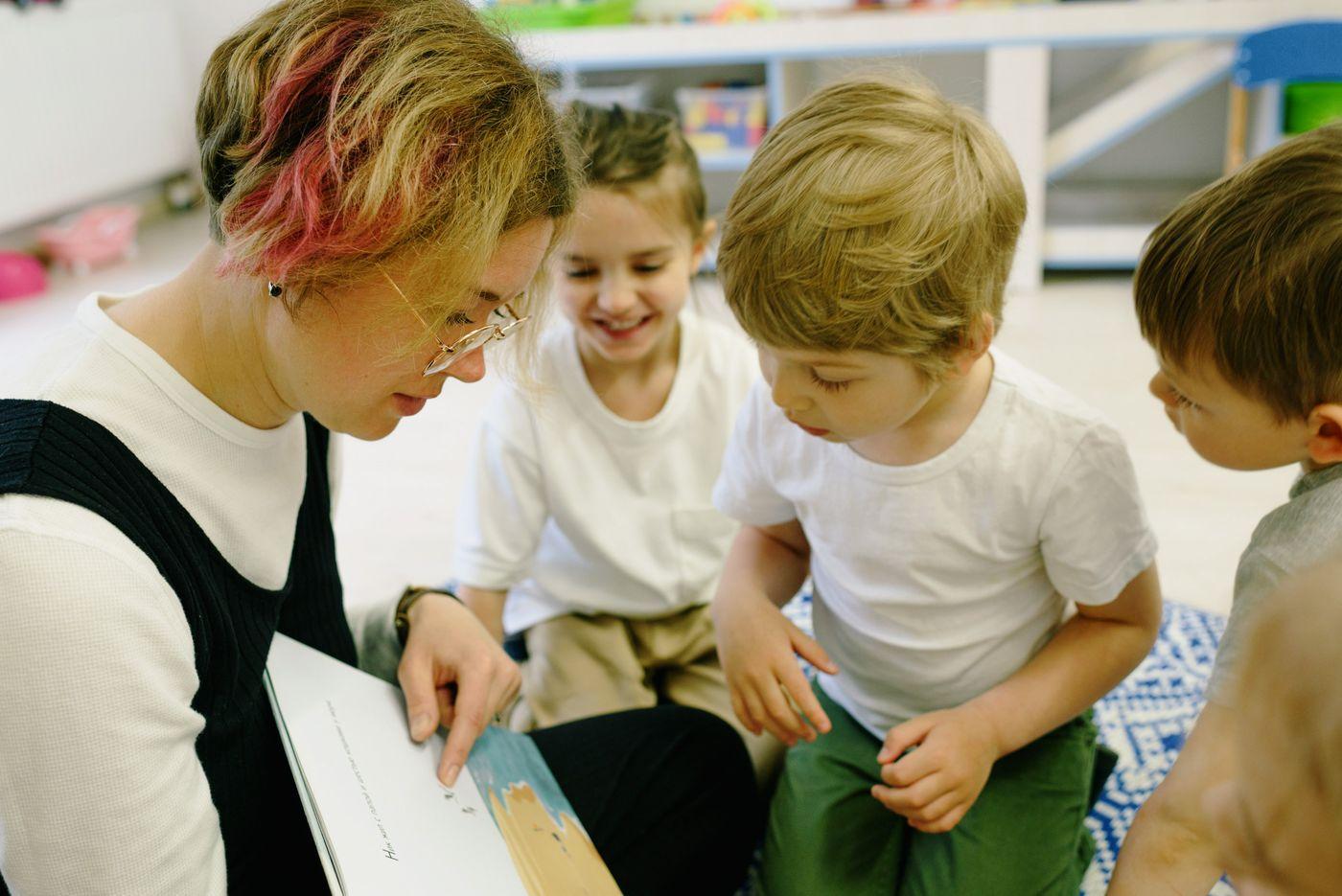
As teachers log the day, it shows up on your phone, in the order it happened.
You choose who brings them home
Approve the people who may collect your child. Plans change? Name someone different for one day, and the teachers see it straight away.
A quick word, in your own language
Send an absence note, a message about the morning or a medicine request in a few taps. The right teacher sees it before the day starts.
The teachers always know
Allergies and health notes stay in front of everyone who looks after your child. Medicine is recorded as given, or not given, with the time.
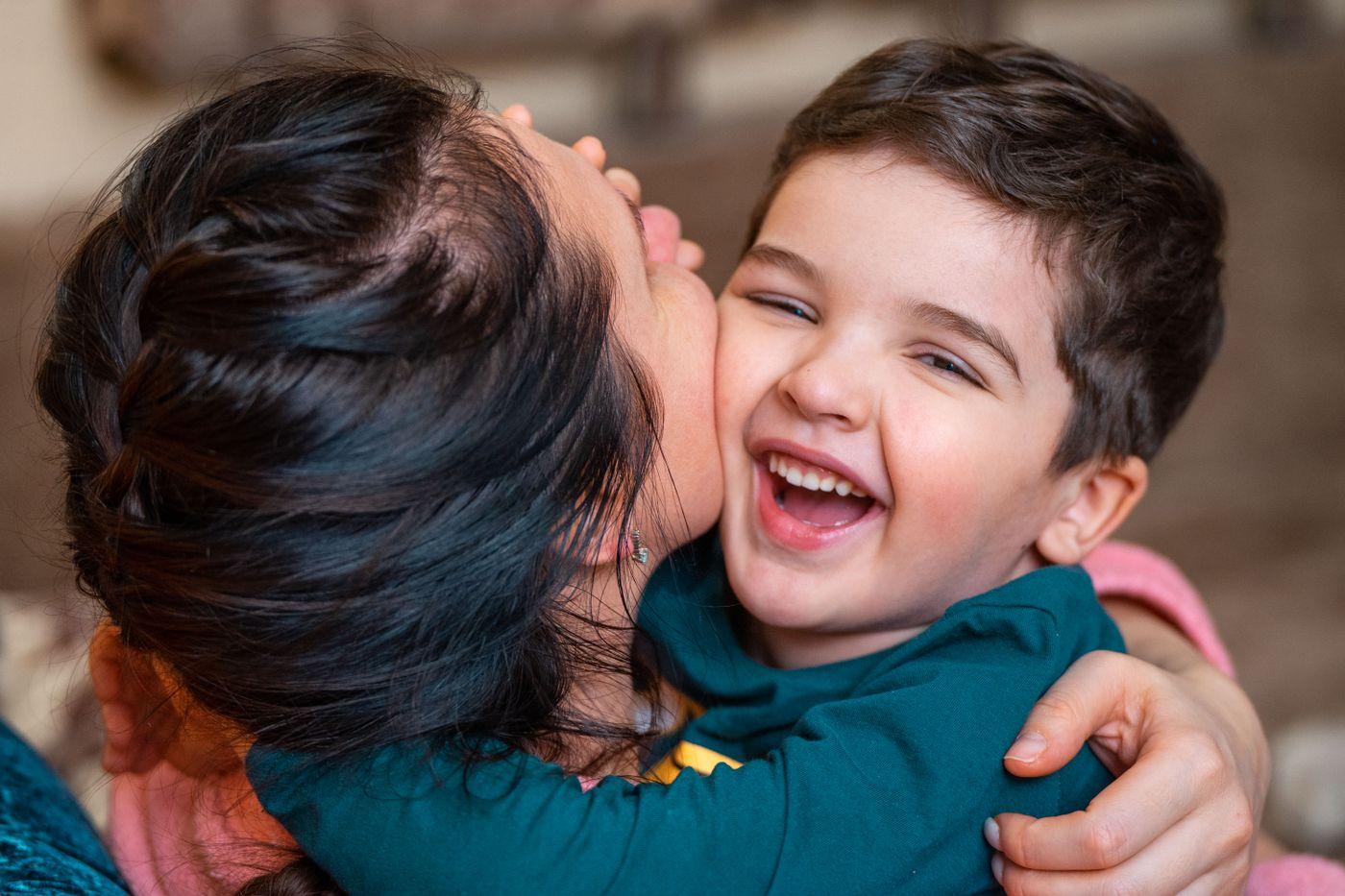
Hugs at the door. Hugs at home time.
A calm look at the whole day
Daily updates
Meals, naps, toilet visits, mood and check-in, as they are logged.
Messages and notices
Notices and messages with your child's teacher.
Tell the school
Absence notes, medicine requests and a word about the morning.
Pickup you control
Approve who collects your child, even for just one day.
In the language you think in
Choose Sinhala, Tamil or English the first time you open BrightCubs. Change it any time.
Safety comes first, every time
- Emergency alerts from the kindergarten reach you straight away.
- If something happens, a bump or a fall, you are told what happened and what was done.
- Your child goes home only with people you have approved.
- These features never switch off, even when a fee is late.
Ready in three steps
- 1
Get your code
Your kindergarten gives you a join code, or a poster with a QR code to scan.
- 2
Open BrightCubs
Choose your language, then sign in with your phone number and the code we text you.
- 3
Follow the day
Updates arrive as the teachers log them. Turn on alerts to hear about anything important.
Running a kindergarten?
The classroom tablet, the office and your messages to parents, all in one place.